Take card donations on the phones your volunteers already have
CoreMobile lets a charity take card donations on the phones volunteers already carry. Donors tap a contactless card, Apple Pay or Google Pay on the phone screen, so there is no card reader to buy or charge. Several volunteers can collect at once, at $0 a month, then interchange and card brand fees at cost, plus 0.50% + $0.10.
Updated September 28, 2026 · By Matthew Dorris
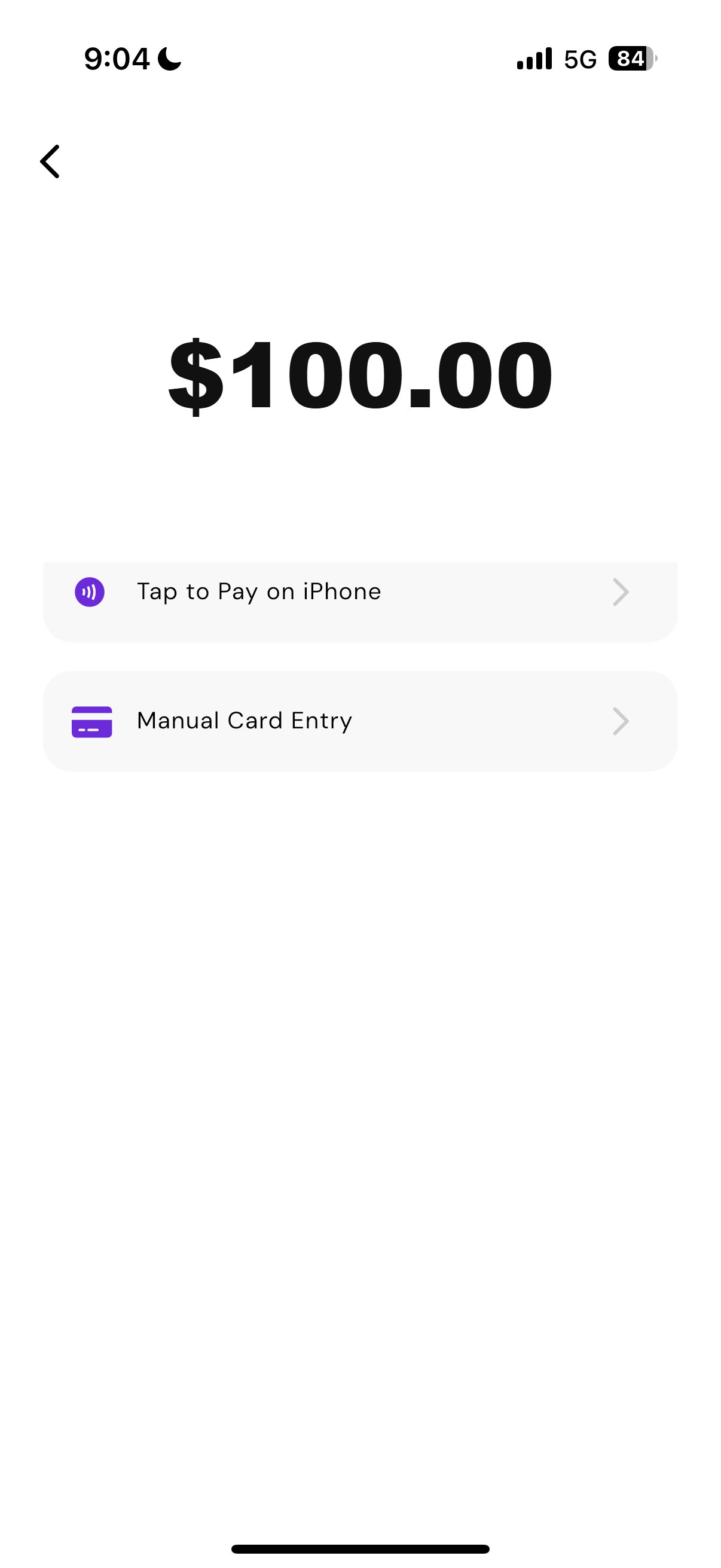
Do we need to buy a card reader?
No. The phone in your volunteer's pocket is the card reader. Donors tap a contactless card, Apple Pay or Google Pay directly on the phone screen.
Tap on glass
The donor taps a card, phone or watch on the volunteer's phone screen. Nothing to buy, charge or pair before an event.
Runs on cellular
CoreMobile needs mobile data or Wi-Fi, and we recommend cellular data as a backup to venue Wi-Fi so an outdoor table keeps running.
Wallets accepted
Contactless cards, Apple Pay, Google Pay, Samsung Pay and NFC wearables, all on the phone the volunteer already carries.
iOS and Android
One app, on any NFC phone your volunteers already own, with no extra cost per device and nothing to hand out on the day.
Can several volunteers take donations at the same time?
Yes. Add each volunteer to the same account and every one of them can collect on their own phone at once.
One account, many phones
Every volunteer collects at the same time, so you can put someone wherever a queue forms rather than funnelling everyone to one table.
One dashboard
Every donation rolls up into a single view, so you are not adding up separate totals at the end of the night.
Tracked per person
Each volunteer collects under their own PIN, so the report shows who took what without anyone comparing notes afterwards.
Next business day
Funds land in the account on a next business day basis, and the donor gets a receipt by email or text at the table.
What does it cost a charity?
$0 a month, then interchange and card brand fees at cost, plus 0.50% + $0.10 per transaction. No setup fee, no hardware to buy and no contract.
Which events does this suit?
Anywhere a volunteer stands with a phone, they can take a card donation.
Taking gifts online as well? Pair it with CoreCause for donation pages, recurring giving and Texting Campaigns at $0 a month, where donors can cover the processing fee so 100%% of the gift reaches you.
What to do before, during and after a collection
A short run sheet for the volunteer running the table.
Before the event
- Add every volunteer to the account so each one can take donations on their own phone.
- Build your giving amounts in the app ahead of time so nobody is typing totals at the table.
- Ask volunteers to charge their phones and turn cellular data on, so venue Wi-Fi is a backup.
- Run one test donation of a dollar so everyone has tapped through the flow once.
During the event
- Put a volunteer with a phone anywhere a queue forms, not just at the main table.
- Let donors tap a contactless card, Apple Pay or Google Pay on the phone screen.
- Send the receipt by email or text at the table.
- Watch the dashboard from one phone to see totals across every volunteer.
After the event
- Pull the report for the event and check it against what the volunteers counted.
- Funds land in the account on a next business day basis.
- Keep the volunteer list in place so the next event needs no setup at all.
Collecting at an event soon?
See what it costs on your own numbers, or watch how a volunteer takes the first donation.
