Your donations in QuickBooks, without the data entry.
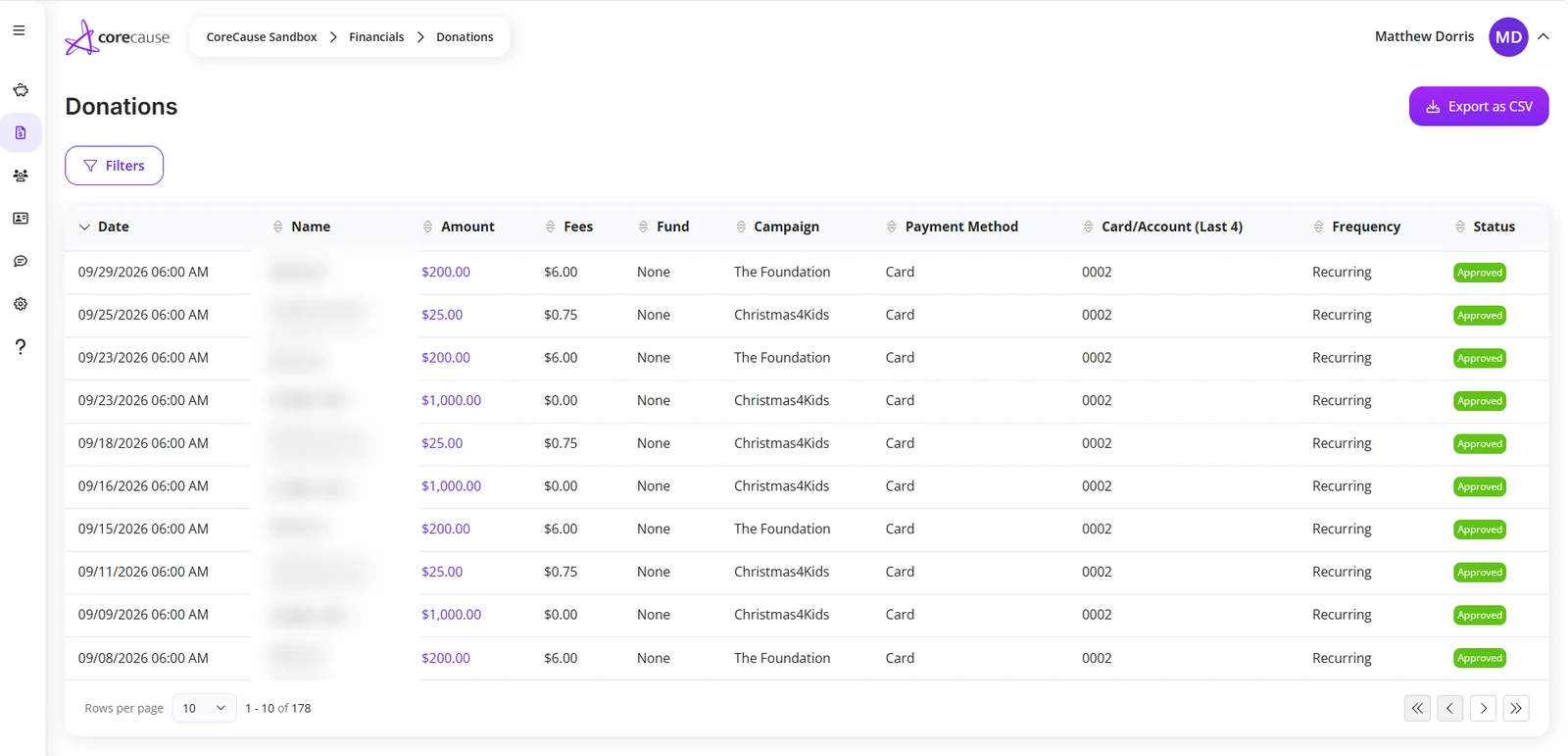
Connect CoreCause to QuickBooks Online and let donors and donations flow straight into your books. You choose the income accounts and you choose the schedule.
Link it once, then leave it alone
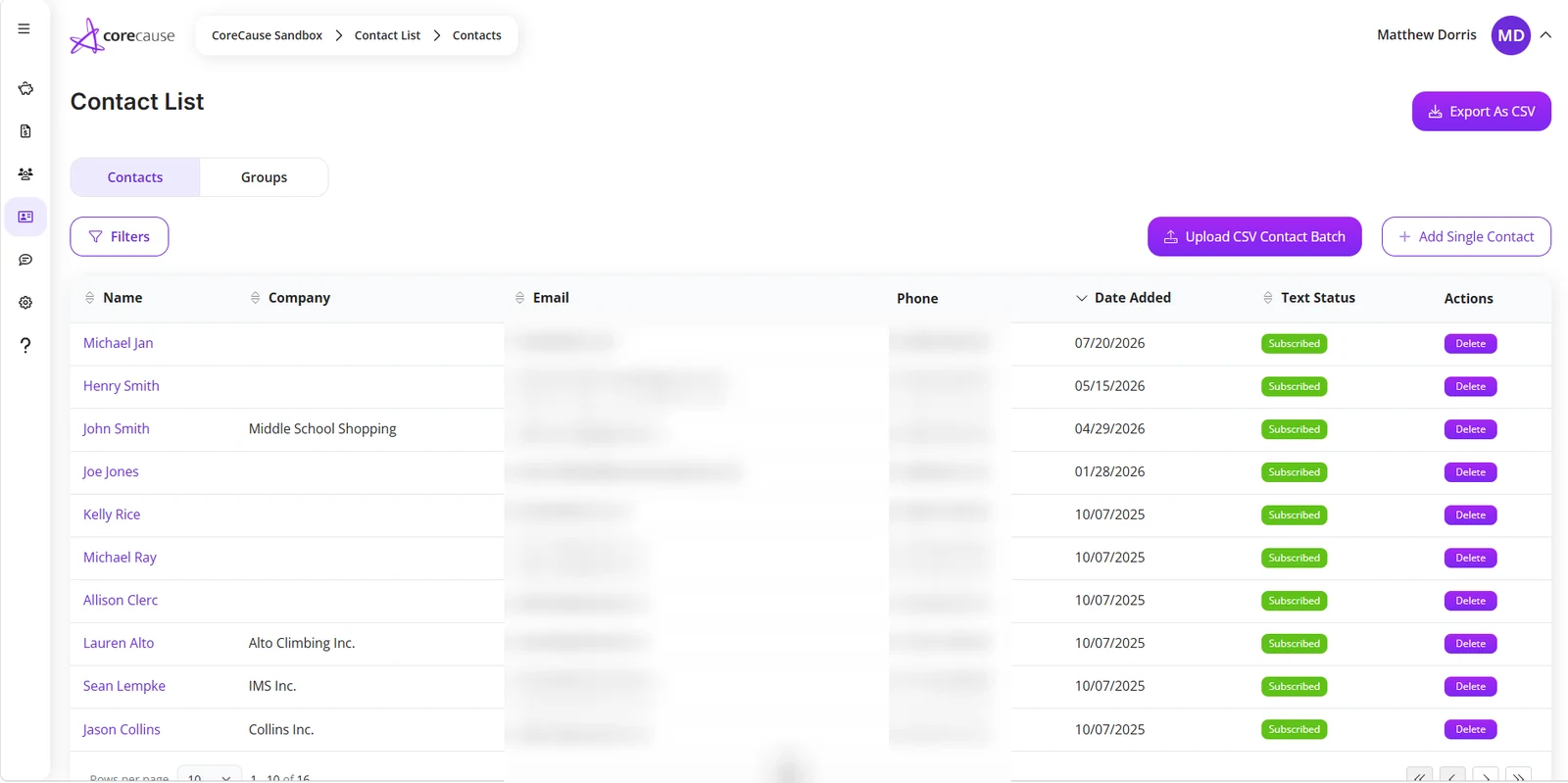
Connecting takes a few minutes from your dashboard, and you can disconnect just as easily. After that, donor and donation records keep flowing across on the schedule you set.
- Connect or disconnect QuickBooks Online whenever you want
- Donors and their gifts sync together, so the two lists agree
- Synchronization history shows what ran and when
Your chart of accounts stays yours
Point each kind of giving at the income account your bookkeeper already uses. Nothing about your accounting has to be reshaped to fit the platform.
- Choose the income account each kind of giving lands in
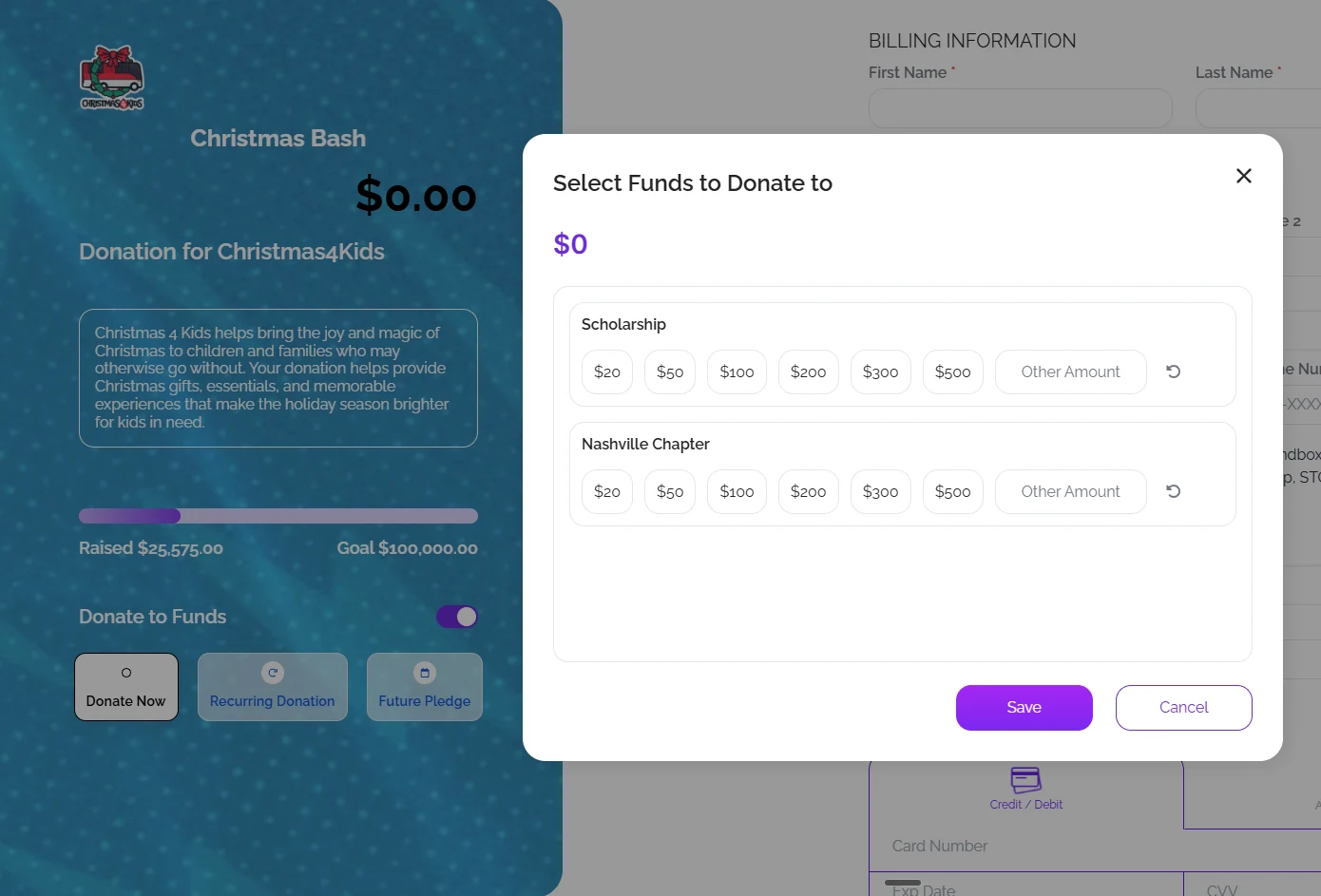
- A gift given to a specific fund keeps that designation
- Change the mapping later without starting over
Ready to raise more for your mission?
Start taking donations today, or see it on a short call. No monthly fee and no platform tip, ever.
The afternoon you get back
Most small finance teams rekey donations by hand or reconcile an export line by line. Both work until the volume grows, or until the person who knew the process leaves.
- Donations arrive the same way every time
- An outside bookkeeper can see how a number got there
- Included in CoreCause, with no separate monthly charge
Frequently asked questions
The integration connects to QuickBooks Online.
Yes. You map income accounts during setup and can change the mapping later.
You set the schedule, and you can review what has run in the synchronization history.
No. Connecting QuickBooks is part of CoreCause.
Yes, at any time, from the same screen you used to connect it.
Ready to raise more for your mission?
Start taking donations today, or see it on a short call. No monthly fee and no platform tip, ever.